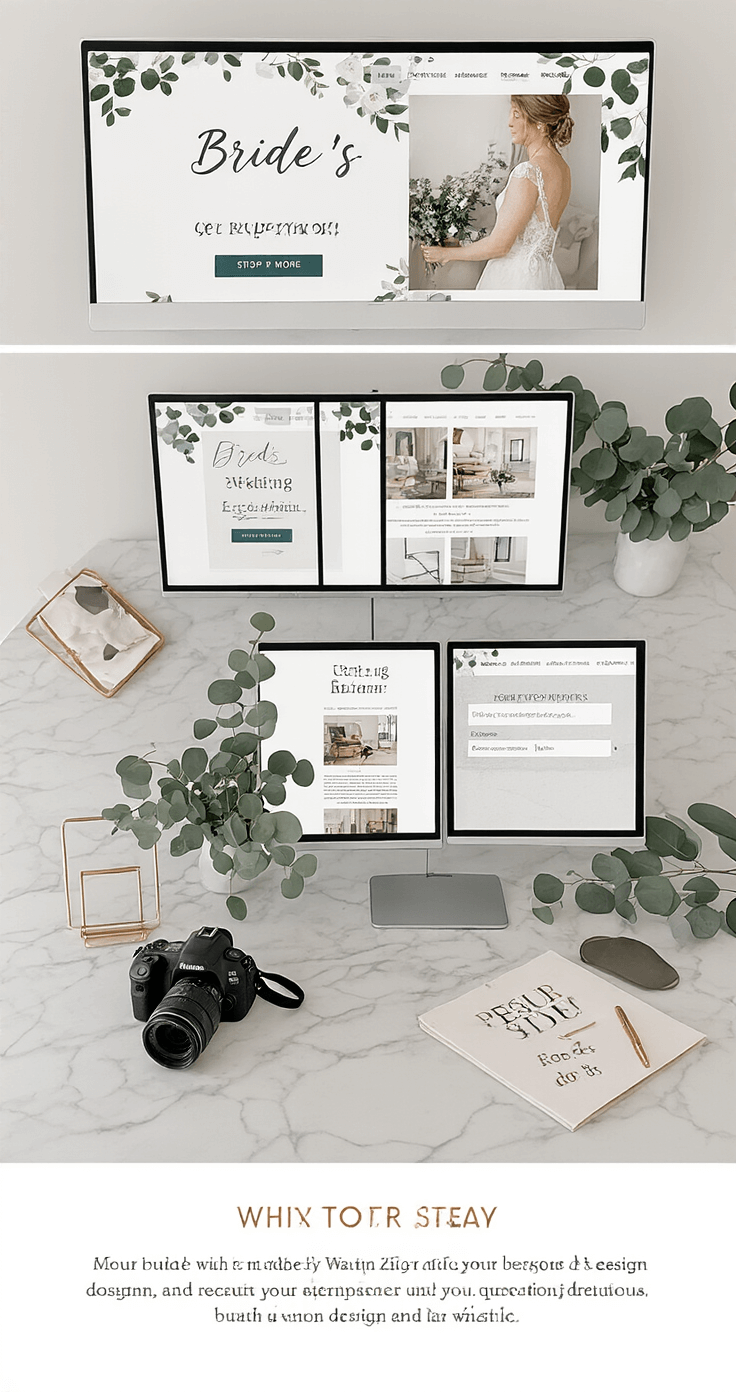

How to Make a Wedding Website Without Losing Your Mind
How to Make a Wedding Website Without Losing Your Mind
Contents
- How to Make a Wedding Website Without Losing Your Mind
- Why You Actually Need a Wedding Website
- Step 1: Pick Your Website Builder (This Part’s Actually Easy)
- Step 2: Choose a Template That Matches Your Vibe
- Step 3: Pick Your Domain Name (AKA Your Website Address)
- Step 4: Add All The Important Stuff Your Guests Need
- Step 5: Set Up Your RSVP System
I’m gonna be honest with you right from the start—making a wedding website sounds way more complicated than it actually is.
When I first heard about wedding websites, I thought it was some fancy tech thing only people with design degrees could pull off.
Turns out, I was totally wrong.
You don’t need coding skills, a huge budget, or even that much time to create something that looks professional and actually helps your guests out.
Let me walk you through exactly how to make a wedding website that doesn’t feel like another stressful wedding task on your already endless to-do list.

Why You Actually Need a Wedding Website
Look, I get it.
You’re already juggling a million things—venue bookings, catering menus, seating charts that make you want to scream.
Why add another thing to the list?
Here’s the deal though.
A wedding website saves you SO much time in the long run.
Instead of answering the same questions over and over again about dress code or hotel options, you just point people to your site.
Plus, it’s way easier to update a website than to send out correction cards if something changes.
And honestly? It makes you look super organized, even if you’re secretly panicking about everything else.
Step 1: Pick Your Website Builder (This Part’s Actually Easy)
First things first—you need to choose a platform to build your site on.
Don’t overthink this part.
There’s a bunch of wedding website builders out there that do all the heavy lifting for you.
The Knot is probably the most popular one.
It’s free, has like 380 templates to choose from, and connects with their other planning tools if you’re using those.
The only catch is your website will have “theknot.com” in the URL unless you pay $20 a year for a custom domain.
Wix gives you more design freedom.
Their drag-and-drop editor is super easy to use, and you can really make it look unique.
Free version shows ads though, which might bug you.
Joy is great if you just want something fast and simple.
Less customization options, but honestly, that can be a good thing when you’re already overwhelmed.
Squarespace has gorgeous templates if aesthetics are your thing.
It’s not free, but the designs are chef’s kiss.
Zola is another solid choice that combines your website with registry options.
Pretty convenient if you want everything in one place.
My advice? Try out a couple free options and see which interface feels most natural to you.
You’re gonna be spending time on this thing, so pick one that doesn’t make you want to throw your laptop out the window.

Step 2: Choose a Template That Matches Your Vibe
Once you’ve picked your builder, you’ll need to choose a template.
This is the fun part, I promise.
Most platforms organize templates by style—romantic, modern, rustic, minimalist, whatever.
Think about your actual wedding aesthetic.
If you’re doing a beachy destination wedding, maybe skip the heavy floral gothic template, you know?
But also don’t stress too much about this.
You can change colors, fonts, and layouts later.
The template is just your starting point, not your final product.
One thing I learned the hard way—simpler is usually better.
Those super fancy templates with a million animations and moving parts? They can actually be harder to navigate and slower to load.
Your 70-year-old aunt doesn’t need your homepage doing backflips.
She just needs to know where the church is.
Step 3: Pick Your Domain Name (AKA Your Website Address)
Your domain name is basically your website’s address on the internet.
It’s the thing people will type in to find your site.
Most couples go with something like “JohnAndSarah2025.com” or “TheSmiths2025.com.”
Keep it simple and easy to spell.
Don’t get too creative here—your guests shouldn’t need to remember weird spellings or random numbers.
If you’re using a free website builder, you might get stuck with their domain name in your URL (like “JohnAndSarah.theknot.com”).
That’s totally fine if you don’t want to spend extra money.
But if you want it to look more polished, most platforms let you buy a custom domain for around $10-20 a year.
Not required, just depends on how important that is to you.

Step 4: Add All The Important Stuff Your Guests Need
Okay, now we’re getting into the actual content of your website.
This is where you dump all the info your guests are gonna be asking about anyway.
Venue Details
Include the full address of your ceremony and reception locations.
Not just the venue name—the actual address people can plug into their GPS.
Add a Google Maps link if you can. Makes life so much easier.
If your venue is tricky to find, throw in some extra directions or landmarks.
Date and Time
Seems obvious, but make sure this is super clear and easy to find.
Include what time guests should arrive, not just when the ceremony starts.
Nobody wants to be that person who shows up right as you’re walking down the aisle.
Dress Code
Please, PLEASE include this.
Your guests are stressing about what to wear, I guarantee it.
“Cocktail attire,” “black tie optional,” “casual beach vibes”—whatever it is, just tell them.
And if you have specific requests (like “please no white” or “outdoor venue so maybe skip the stilettos”), this is the place to mention it.
Accommodation Options
List a few hotel options near your venue, especially if you’ve got a room block set up somewhere.
Include the hotel names, addresses, phone numbers, and any special booking codes for your wedding.
If there’s Airbnbs or other options nearby, you can mention those too.
Out-of-town guests will love you for this.
Transportation Info
Are you providing shuttle service between the hotel and venue?
Is there parking at the venue?
Is it easy to get an Uber in that area?
Answer these questions before people have to ask.
Registry Information
More on this in a sec, but definitely include where you’re registered.
Makes it easy for guests who want to get you gifts without having to hunt down the info.